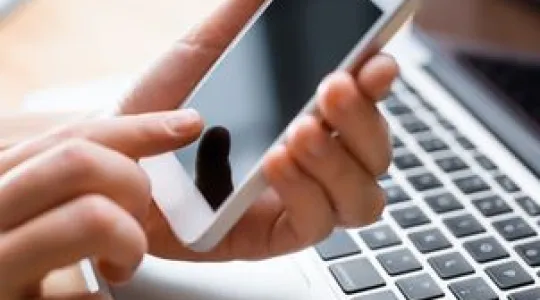
You may have heard that your smartphone screen has more bacteria than a toilet. Unfortunately, that’s not just a dirty rumor. What’s more is that tablets can be even more germ ridden.
Here’s how to disinfect cellphones and tablets:
Step-by-Step Instructions
-
1Step 1Power off device
Make sure your electronics are powered off and unplugged.
-
2Step 2Dampen & wipe with microfiber cloth
First, you’ll need a touchscreen-safe antimicrobial spray and a microfiber cloth. (There’s a rift in popular opinion when it comes to whether alcohol-based sprays are OK to use on touchscreens. Again, refer to your manufacturer’s instructions.)
Dampen a microfiber cloth with the spray, being careful not to oversaturate the cloth.
Wipe down the screen, avoiding all openings.
-
3Step 3Wait, then wipe dry
Allow the spray to sit for the amount of time noted on the product packaging.
Wipe your screens dry with a fresh microfiber cloth.
Don’t forget that your tablet cover needs to be cleaned from time to time. You can wash this with dish soap and a microfiber cloth.
- Remove your tablet from the cover.
- In a bowl, mix a couple of drops of dish soap with warm water.
- Dip your cloth into the solution so that it’s damp, not saturated.
- Wipe down the cover.
- Rinse the cloth until it runs clean and then wring it out so that it’s damp.
- Wipe the cover again to remove soapy residue.
- Leave the cover to air dry overnight or wipe it down with a dry cloth or paper towel.
- Make certain the cover is absolutely dry before re-inserting your tablet.