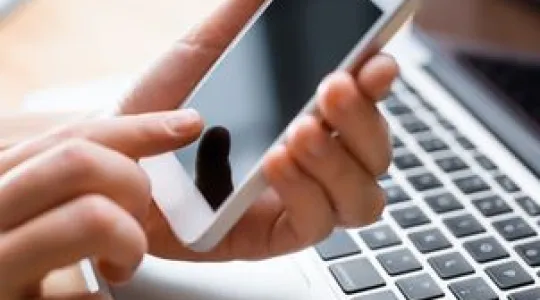
Even people who think they never touch their screens seem to end up with unsightly smudges and smears. And if you have a cold or children with sticky fingers, your screen can get downright gross. Learn how to clean your computer and laptop screens for a clear view and — hopefully — fewer germs.
Step-by-Step Instructions
-
1Step 1Unplug your computer or laptop
To prevent damage or a nasty shock, you need to turn off power to your machine. For computers, you should power down and then unplug the device. You’ll also want to unplug the individual monitors. Unplug laptops and remove their batteries if your model allows for this to be done.
-
2Step 2Gently wipe monitor with dry cloth
Gently wipe the monitor free of smears or dust using a microfiber cloth.
-
3Step 3Gently wipe monitor with wet cloth
If the dry wipe doesn’t work, you can use a solution of diluted dish soap, according to CNET. You’ll only need a single drop of soap and the water should be warm.
Dip a clean microfiber cloth into the solution and thoroughly wring it out. This is especially important when you’re cleaning laptops, as you don’t want liquid to drip down through the keys.
Gently wipe your display with the dampened cloth.
-
4Step 4Rinse
Rinse all the soap out of this cloth, and wring it out again. Go back over your display to remove any soap residue.
-
5Step 5Dry
Once more, gently wipe your screen, this time using a dry microfiber cloth.
How to Clean Touchscreens on a Routine Basis
In an ideal world, you should clean touchscreens daily. After all, they see a lot of unwashed hands. Fortunately, everyday upkeep of smartphone and tablet surfaces is extremely easy: You just need to wipe it off with a dry microfiber cloth.
For a more thorough clean, you can use a slightly dampened microfiber cloth. When doing so, you’ll need to unplug and power off the device before cleaning. You also want to be very careful to make certain you don’t get any moisture in the openings. Clean touchscreens with the cloth and then wipe displays dry with a fresh microfiber cloth. Afterwards, let screens dry completely before plugging devices back in or powering them on.